Documentation navigation
AI Scribe overview
AI Scribe is appointment-based: record the consultation, process it, review the transcript and draft, then let the clinician decide what becomes part of the medical record.
In this pageStart from the appointment · Typical Scribe flow · The generated note is a draft
Start from the appointment
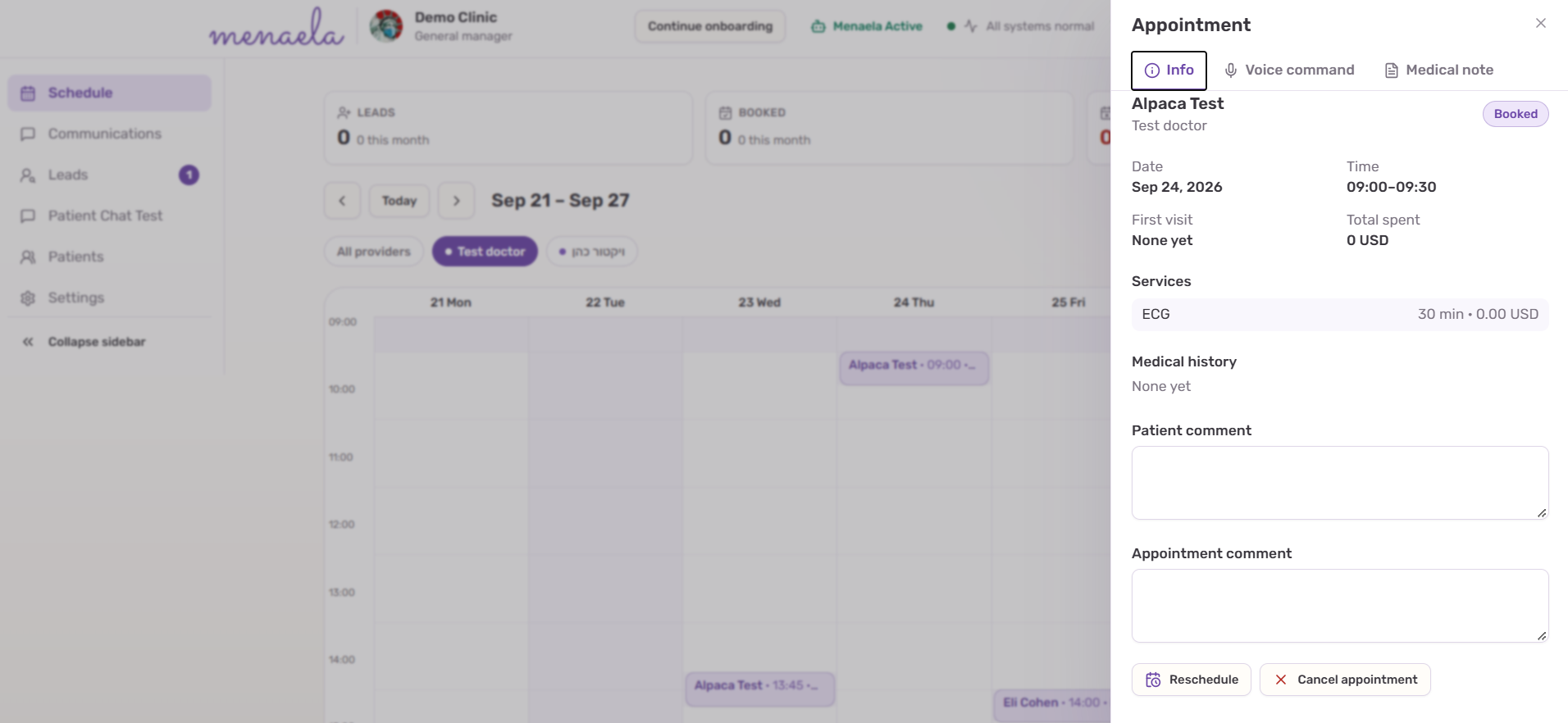
Open the selected appointment and go to its Medical Notes area. AI Scribe is tied to that appointment so the recording and resulting draft are not floating outside the patient workflow.
Typical Scribe flow
- Open the appointment’s Medical Notes area and select AI Scribe.
- Start recording and allow microphone access.
- Conduct the consultation while the recording is uploaded in parts.
- Stop recording when the encounter is finished.
- Wait for transcription and draft-note generation.
- Review the raw transcript and the generated draft.
- Correct the draft, save it and sign it only when the clinician is satisfied.
The generated note is a draft
Menaela can structure the consultation into supported sections such as complaint, history, medications, examination, assessment and plan. Uncertainties can be surfaced for clinician review.
ImportantScribe never signs automatically.
The clinician remains responsible for reviewing and finalizing the note before it becomes a signed clinical document.