Documentation navigation
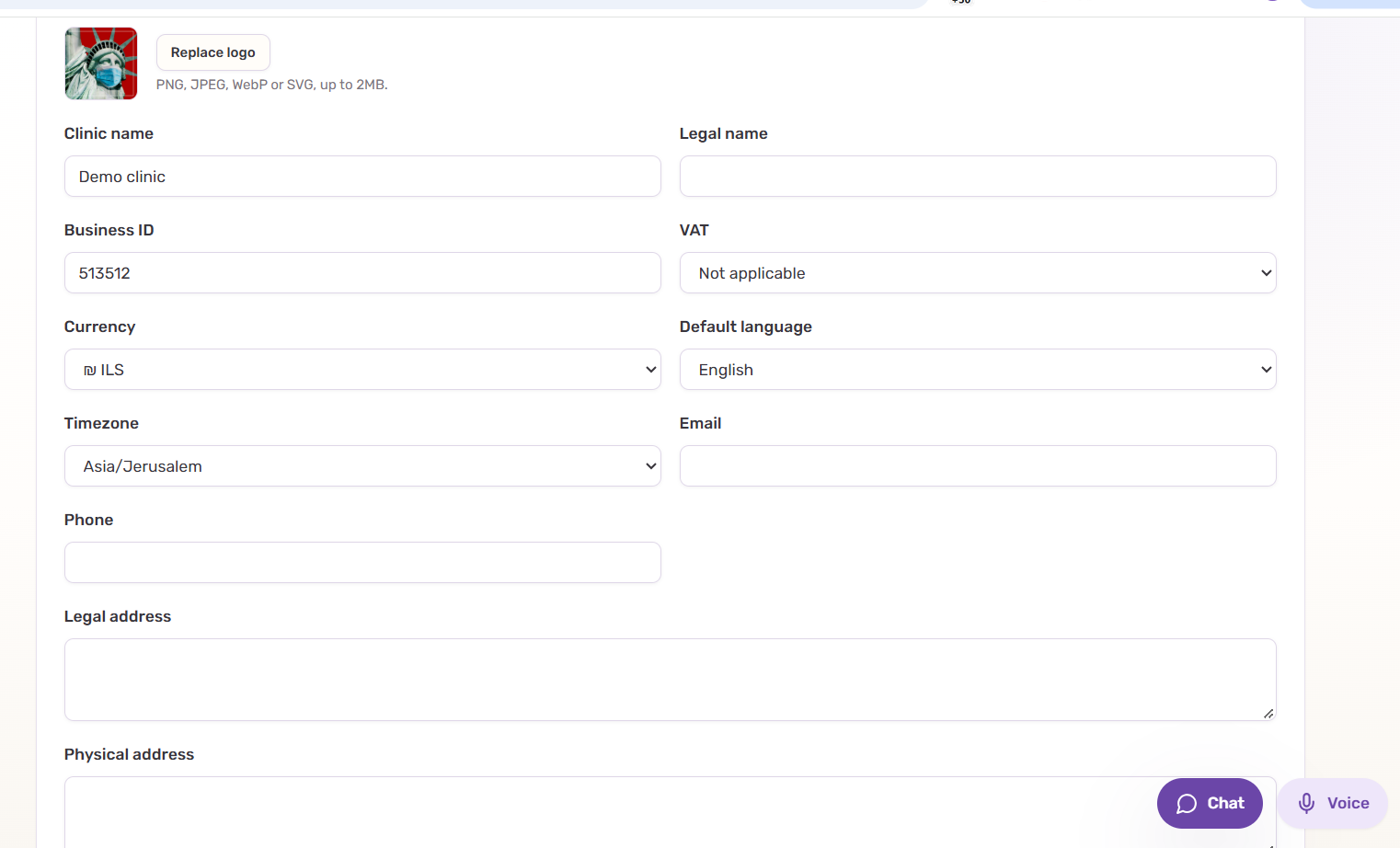
Language, timezone & currency
These three settings influence almost everything that follows, so set them at the beginning of onboarding rather than fixing them after the clinic is configured.
Default language
The default language is the clinic’s baseline language for setup and generated clinic-facing text. It should reflect the language your team expects to see most often.
It does not mean that every patient has to write in that language. Patient communication can be multilingual, but the clinic still needs one predictable default for instructions, configuration and fallbacks.
Doing this early reduces mixed-language service names, inconsistent clinic descriptions and avoidable cleanup later in onboarding.
Timezone
Timezone affects appointment times, date interpretation and operational timestamps. Select the timezone where the clinic actually operates, not the timezone of the person doing the setup.
If the clinic has several physical locations in different timezones, configure the deployment according to the supported location model rather than trying to compensate with staff instructions.
Currency
Currency is the baseline used for service prices and money values shown to staff and patients. Set it before entering the price list.
Do not put currency assumptions into free-text instructions if the structured clinic setting can express them directly.
Quick check
- Default language matches the clinic’s main working language.
- Timezone matches the clinic location and daylight-saving rules.
- Currency matches the prices you will enter later.
- The three settings are saved before continuing with website onboarding or detailed setup.