Documentation navigation
Menaela instructions
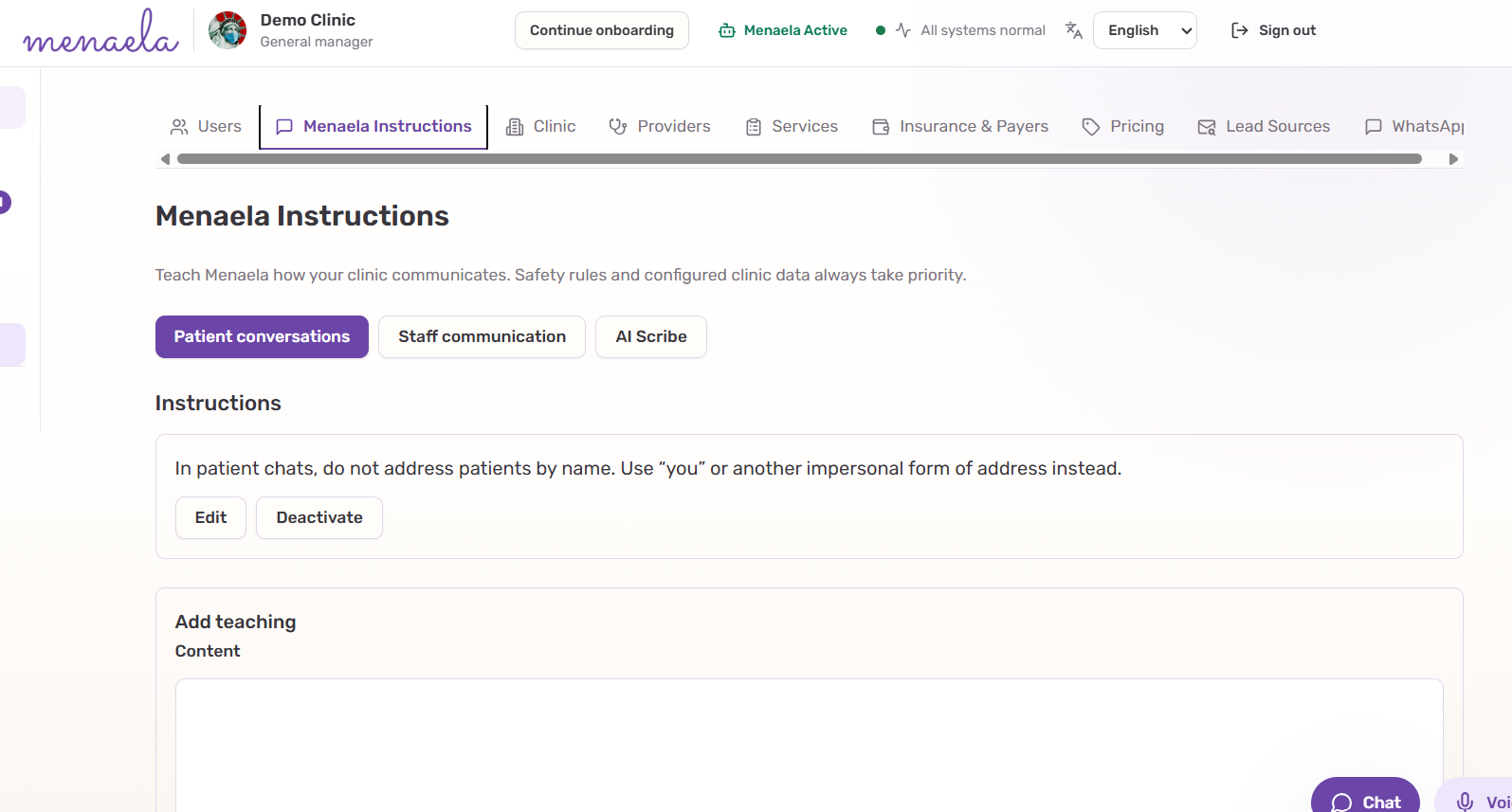
Teaching Menaela means saving explicit clinic instructions. Ordinary conversation is not automatically turned into a permanent rule.
In this pageThree separate instruction areas · How to save an instruction · What does not become an instruction · Instructions do not override the system
Three separate instruction areas
| Area | What it changes | Example |
|---|---|---|
| Patient conversations | Autonomous patient and lead replies | “Keep patient replies brief and avoid emojis.” |
| Staff communication | How Menaela presents information to clinic staff | “When presenting appointments, include provider and service.” |
| AI Scribe | Draft-note structure, terminology and style | “Use concise paragraphs and put assessment before plan.” |
How to save an instruction
Authorized managers can save an ongoing rule either in staff Chat with clear teaching intent or directly in Settings → Menaela Instructions.
- Choose the instruction area.
- Write one clear rule with an ongoing intent.
- Save it and verify that Menaela confirms the save succeeded.
- Review, edit, disable or restore the rule later from Settings.
What does not become an instruction
Ordinary conversation does not automatically become permanent clinic memory. Teaching should be explicit — for example, “from now on” or “remember this rule.”
- Service prices belong in Pricing or the service configuration.
- Opening hours belong in clinic settings.
- Patient-specific facts belong in the patient record or medical documentation.
- A one-off request does not need to become an ongoing clinic instruction.
Instructions do not override the system
Priority ruleSafety, permissions and configured facts take priority.
A saved instruction can change style and clinic-specific behavior inside allowed boundaries. It cannot grant access, change authoritative clinic data or tell Scribe to add facts that are not supported by the consultation evidence.