Documentation navigation
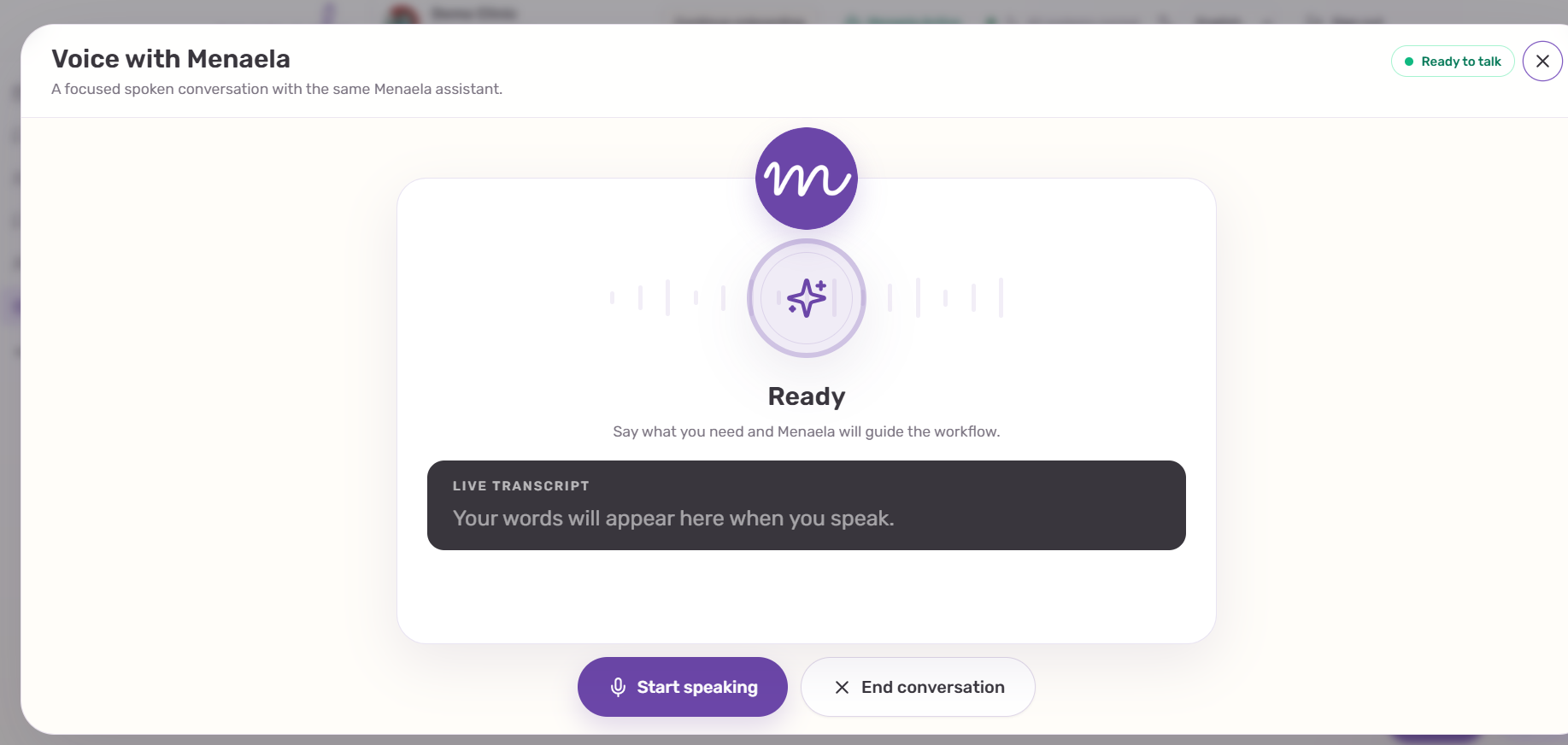
Voice with Menaela
Voice is not a separate assistant. It is another interface to the same clinic context, permissions and supported workflows used by Chat.
In this pageHow Voice works · Chat and Voice share conversation history · Good uses for Voice
How Voice works
Open Voice, start speaking and describe the clinic task you want to complete. Menaela can answer verbally and use the same supported tools and permissions as the staff assistant.
Good uses for Voice
- Check tomorrow’s schedule while your hands are busy.
- Ask for the next suitable appointment slot.
- Retrieve a patient or appointment before opening the record.
- Ask a short clinic-configuration question.
- Continue a staff task already discussed in Chat.