Documentation navigation
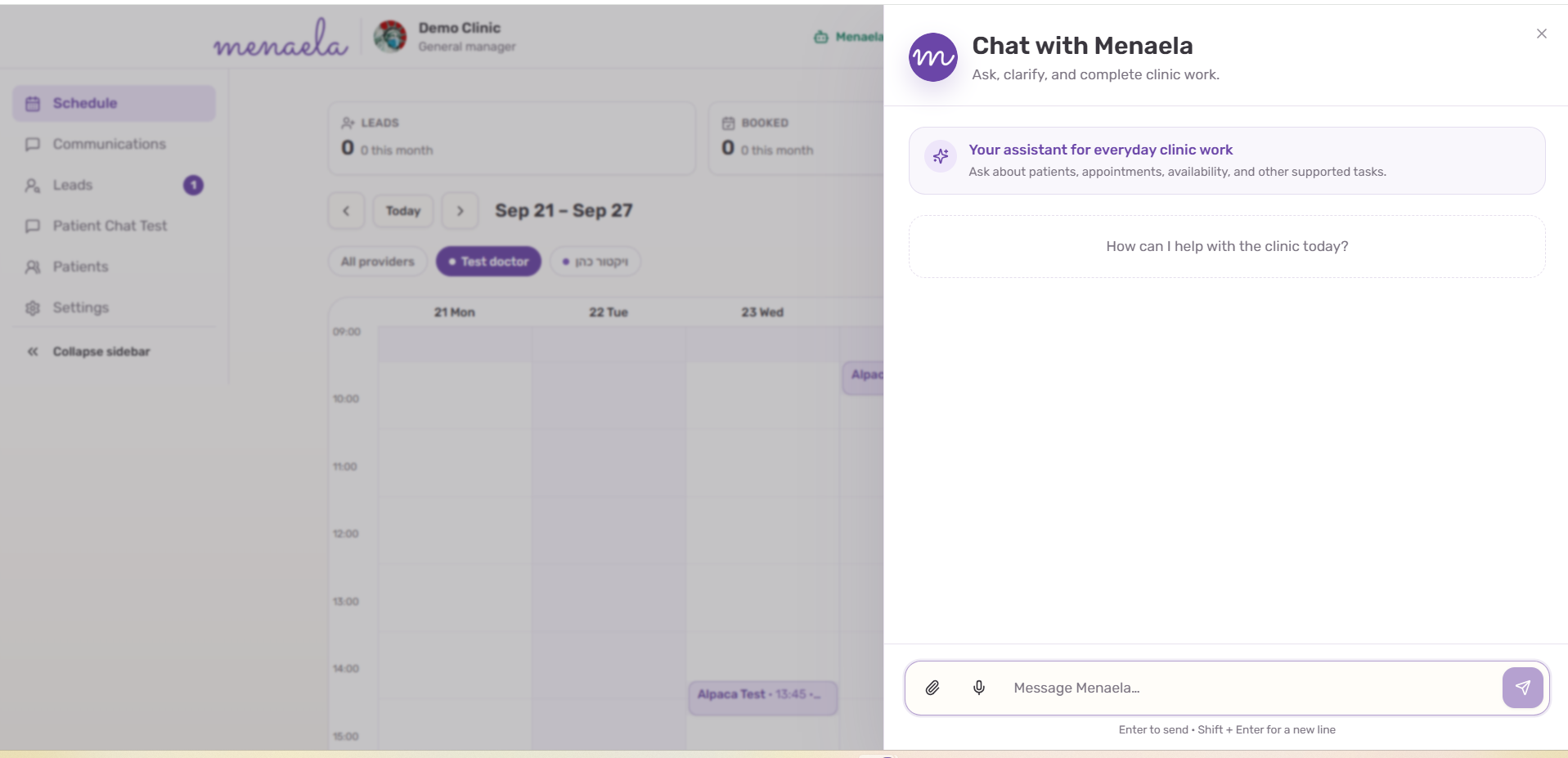
Chat with Menaela
Chat is a working interface to the clinic system. Ask for the outcome you need; Menaela retrieves context, clarifies ambiguity and uses permitted tools to complete the task.
In this pageTypical flow · Useful requests · Messages, attachments and recorded input · Current staff-assistant boundaries
Typical flow
- Open Chat from the practice interface.
- Describe what you need in normal language.
- Answer a clarification if the patient, appointment or request is ambiguous.
- Review any approval control shown for an action that requires confirmation.
- Review the completed result or failure message.
Useful requests
- “Show my appointments tomorrow.”
- “Move Dana Sample’s appointment to Thursday afternoon.”
- “Find this patient and show their recent appointments.”
- “Read the latest WhatsApp conversation with this patient.”
- “Send this patient a message or the approved reminder template.”
- “Open the selected medical note and help me edit the draft.”
- “Save this attachment to the selected patient.”
Messages, attachments and recorded input
Chat supports typed messages and attachments. Short recorded messages can be transcribed, reviewed and edited before they are sent as a staff request.
Current staff-assistant boundaries
Some work remains outside the staff assistant and should not be implied by a successful conversational demo.
- Bulk messaging and campaign-style outreach.
- Scheduled follow-up sequences or lead-chasing jobs.
- Payment requests through the assistant.
- Advanced analytics requests.
- Comprehensive chart summaries across all clinical material.
- AI Scribe recording, which starts from its appointment-based workflow.