Documentation navigation
Onboarding from your website
Menaela can use a public clinic website to reduce manual setup. The website is evidence, not authority: you review what was found and fix anything that should not become clinic data.
Why start from the website
Most established clinics have already written the basic facts somewhere: provider names, specialties, services, addresses, phone numbers and sometimes prices. Re-entering that information field by field is slow and creates another opportunity for inconsistency.
The onboarding agent can use the public website as a first source, structure the information it finds and ask you to review the result.
The onboarding flow
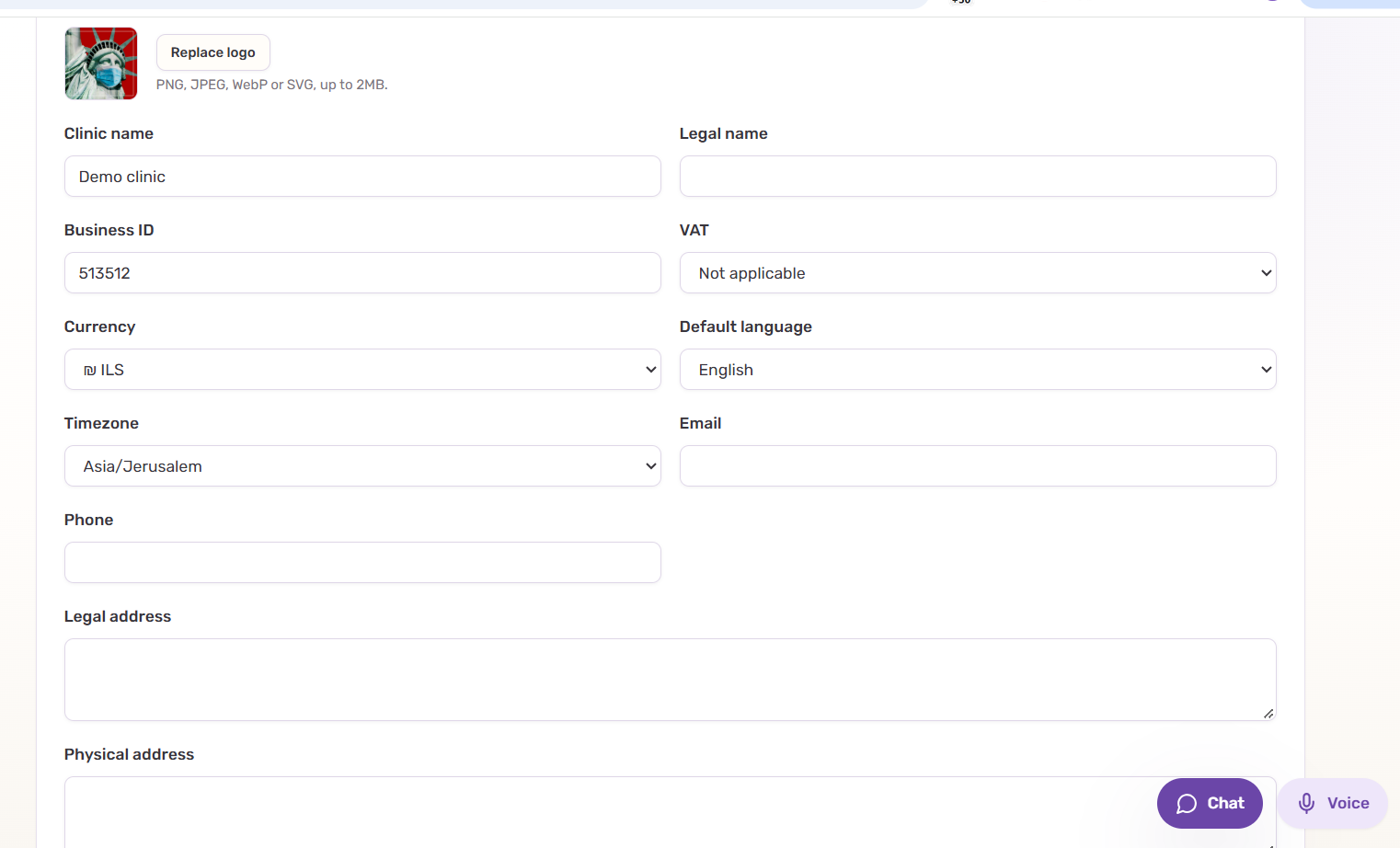
- Set the default language, timezone and currency.
- Enter the clinic website URL.
- Menaela reviews the public pages and proposes clinic information it can identify with reasonable confidence.
- Review clinic details, providers, services and any visible public prices.
- Remove incorrect or irrelevant items instead of keeping them “just in case.”
- Add the operational information the public website does not contain.
- Save the reviewed configuration and continue with channel setup and testing.
What Menaela may be able to find
- Clinic name, description, public contact details and location.
- Provider names and publicly described specialties or roles.
- Services and public descriptions.
- Publicly listed prices or pricing hints.
- Opening hours and other clearly stated operating information.
- Language signals from the public website.
Review before you trust it
Clinic websites are often incomplete or stale. A provider may still have a profile after leaving. A price may be promotional. A service name may be written for marketing rather than scheduling.
That is why website extraction should never silently become operational truth.
Review extracted information before Menaela uses it for patient-facing answers or booking logic. If the website and the configured clinic data disagree later, configured clinic data should win.
Useful corrections during onboarding
You should be able to correct the proposed setup conversationally instead of hunting for every field first. Typical corrections include:
- “Remove this service.”
- “Dr Levi is a cardiologist, not a general practitioner.”
- “Change the consultation price to 350 ILS.”
- “This location is no longer active.”
- “We do not accept walk-ins.”
- “Keep this provider, but do not make them bookable online.”